Build a clear handover process
A proper website handover should involve more than sending a login.
The business should know:
- what it can update
- where those updates happen
- what should not be changed
- when the developer needs to step back in
- who is responsible for keeping the content current
Without that, the business technically has access but may still be dependent on the developer for everyday work.
That is why simply handing over WordPress access is not always enough.
We covered that separately in Should Clients Have Full WordPress Admin Access?.
The bigger question after launch is whether the business can actually manage the website confidently.
Make normal updates simple
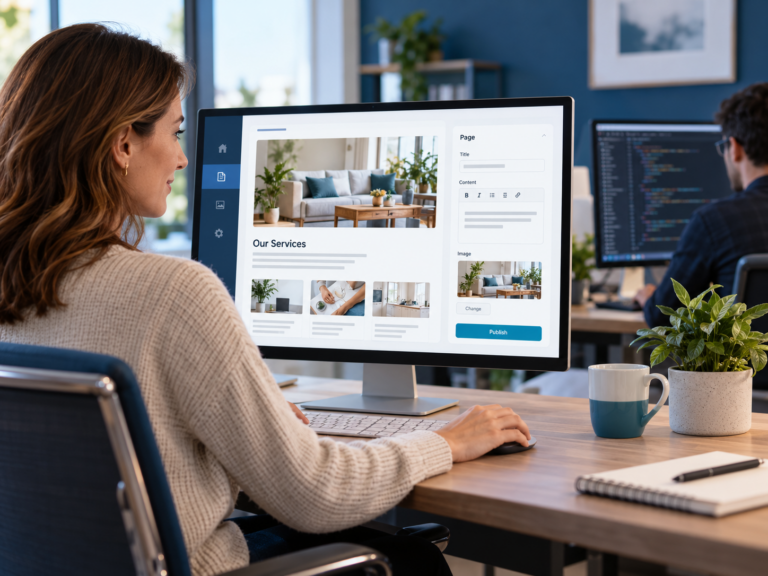
If your business needs to update a service, the process should be easy to understand.
The person responsible for the update should not need to remember:
- which page builder controls the section
- which widget contains the text
- whether changing the image will break the layout
- which settings should be left alone
They should be able to focus on the information itself.
This is where the website should be built around the way the business actually works.
If services change regularly, those services should be easy to update.
If staff information changes often, staff profiles should be easy to manage.
If content marketing is important, publishing articles should be straightforward.
The website should support the business after launch, not make simple changes harder.
Keep layout and content separate
One of the biggest causes of unnecessary developer dependency is mixing content management with layout control.
Someone wants to change a paragraph.
But the editor also gives them access to spacing, containers, columns and responsive settings.
Someone wants to replace an image.
But they can also change how the section is structured.
Now a normal content update becomes a design task.
That is unnecessary.
A better setup keeps the roles clear.
The business manages the content.
The developer manages the structure and functionality.
That gives the business more control without putting the technical parts of the website at risk.
Decide what happens when the business needs something new
Not every future change can be handled through normal content management.
Eventually the business may need:
- a new service section
- a booking system
- a new integration
- a new page layout
- a new feature
- a new checkout flow
That is development work.
The goal is not to remove the developer completely.
It is to make sure the developer is used for development.
Routine content should not need to go through the same process.
A simple rule is:
If the information changes, the business should usually be able to manage it.
If the structure or functionality changes, the developer should usually manage it.
That keeps the workflow simple.
Your website should be easy to hand over internally
Another problem appears when only one person knows how the website works.
They know where all the content lives.
They know which buttons to press.
They know what not to touch.
Then they leave.
Now someone new has to learn the whole system again.
A good website management setup should be easy enough that responsibility can move from one person to another without starting from scratch.
The new person should not need to understand how the website was built.
They should understand what they need to manage.
That is a very different kind of handover.
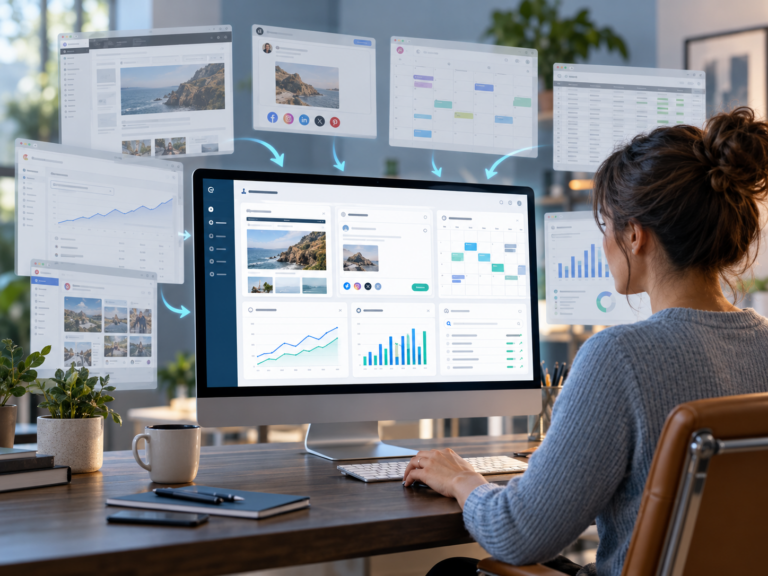
The website module inside the CPT Media Marketing Dashboard is built around this post-launch problem.
The website can still run on WordPress.
The developer can still manage the technical side.
But the business does not need to work through the full WordPress backend just to make normal updates.
Instead, the Dashboard can give the business access to the approved areas it actually needs to manage.
That can include things like:
- service information
- staff information
- website copy
- images
- articles
- other approved content areas
The technical structure stays where it belongs.
The business gets a simpler way to manage the information that changes regularly.
Managing your website after launch should feel like part of the business
A website should not become harder to use once the project is finished.
The business should know:
- who manages the content
- what they are allowed to change
- where those changes happen
- what stays with the developer
- when technical help is actually needed
That is how you manage your website after launch without making every update a development request.
The developer remains part of the process.
They are simply no longer the middleman for every small change.
If you want a simpler way to manage your website after launch, see the CPT Media Marketing Dashboard plans and pricing.