It Should Show You What People Are Actually Doing
Start with the basics.
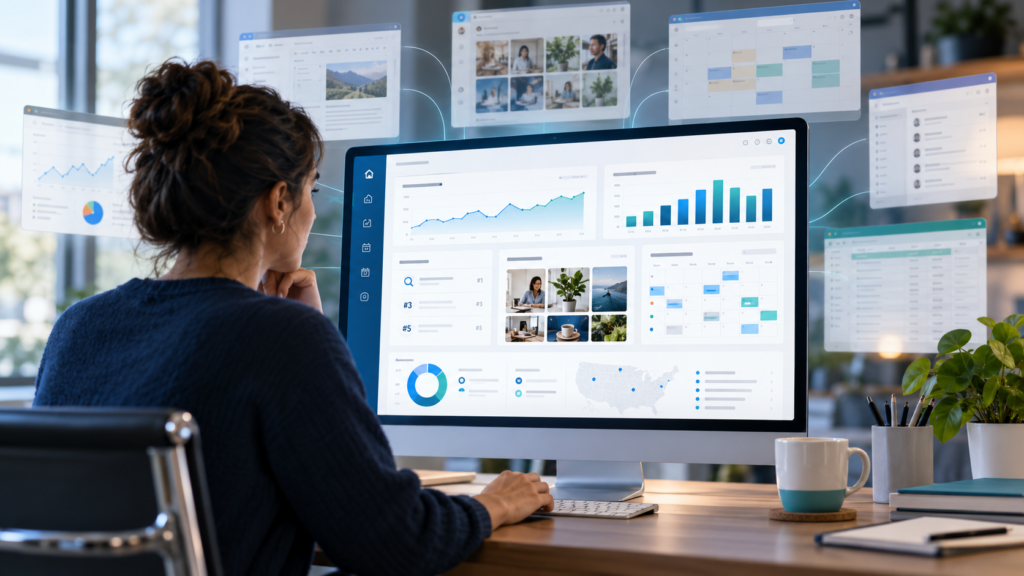
A useful dashboard should help you answer:
Are people finding us?
Where are they coming from?
What are they looking at?
Which pages are performing?
Which content is getting attention?
What is improving?
What is going backwards?
That means website performance matters.
Search visibility matters.
Traffic sources matter.
Content performance matters.
But again, the point is not the graph.
The point is what the graph tells you to do next.
It Should Show You How People Find Your Business
This is where search data matters.
You should be able to understand things like:
- what people search before reaching you
- which pages appear in Google
- whether visibility is improving
- which searches are worth paying attention to
- which pages may need improving
That is far more useful than being told:
Organic traffic increased by 12%.
Fine.
Why?
Which page?
Which search?
Does it matter?
What should we do about it?
The best dashboard should make that clearer.
It Should Not Force You to Become an Analytics Expert
This is important.
A small business owner should not need to learn Google Analytics terminology just to know whether the website is doing anything.
You should be able to understand:
More people are finding this page.
Fewer people are clicking this result.
This service page is getting attention.
This campaign is sending traffic.
This content is performing better.
That is useful.
The system can still use all the technical data underneath.
You just do not need to start there.
It Should Help You Create Content Too
This is where we think most marketing dashboards fall short.
They show you what happened.
Then make you leave the system to do anything about it.
That breaks the workflow.
If your data tells you:
Social content around this service is getting attention.
You should be able to create more of it.
If a new product needs promotion, you should be able to make the post.
If a campaign is starting next week, you should be able to plan the content.
If one topic is gaining traction, you should be able to build around it.
That is why content creation belongs inside the same system.
This matters even more for small businesses.
Social media is often where attention starts.
Someone sees a post.
Then another one.
Then another.
Then they visit the website.
Then they search the brand.
Then they come back later.
That journey matters.
So the dashboard should not treat social media like a separate universe.
It should help you:
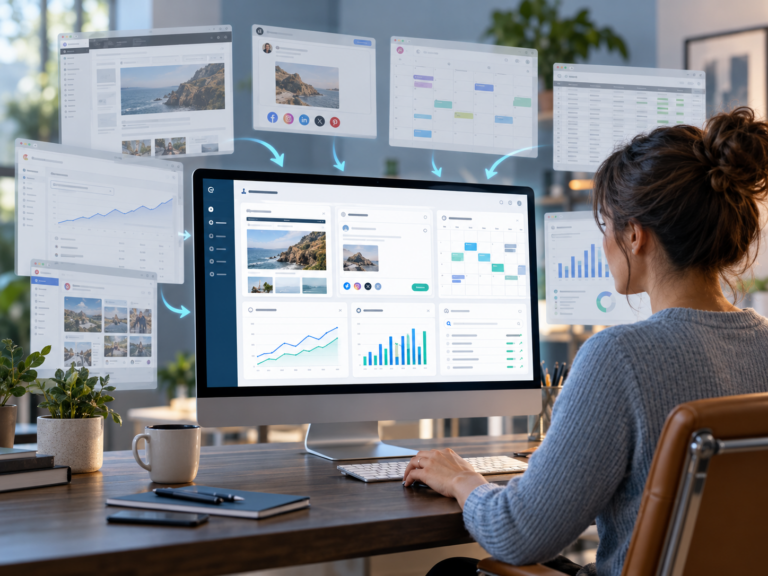
- create social graphics
- build branded posts
- create carousels
- plan content
- schedule posts
- connect that activity back to the website and wider marketing
The CPT Media Marketing Dashboard includes a Design Studio and Content Calendar specifically because marketing does not stop at reporting.
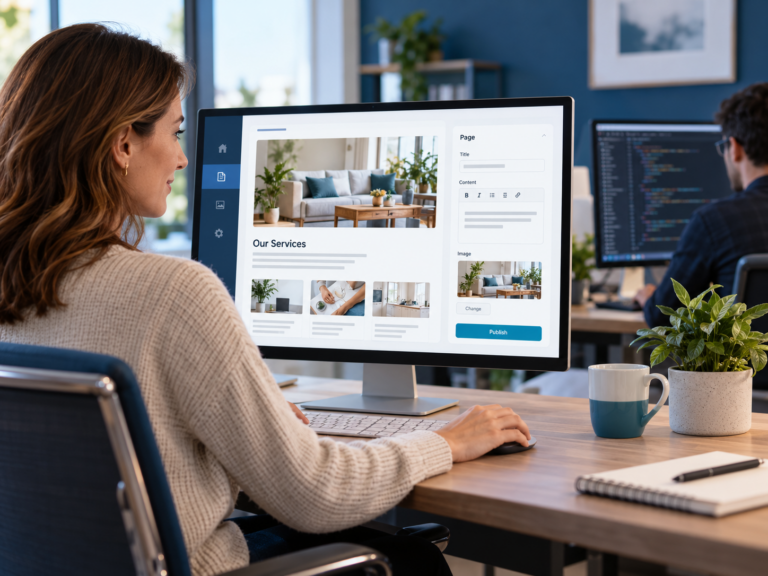
It Should Help You Manage Website Content Without Giving You a Developer Job
Website management is another big one.
You should not need to call a developer every time you need to change:
- a paragraph
- an image
- an offer
- an article
- a service description
- normal marketing content
But you also should not need full technical access to everything behind the site.
A useful dashboard should give you control over the parts you actually need.
That is very different from dumping you into WordPress admin and saying:
Good luck.
The Dashboard Should Help You Move From Data to Action
This is the real test.
Imagine the dashboard shows:
One of your service pages is getting more impressions in Google.
Useful.
What now?
Maybe you improve the page.
Maybe you write supporting content.
Maybe you create social posts around the same problem.
Maybe you build a campaign around it.
Maybe you leave it alone and watch what happens.
The dashboard should help you connect those decisions.
That creates a much better loop:
See what is happening.
Understand what it means.
Decide what should change.
Create the work.
Publish it.
Measure what happened.
Then repeat.
This is another buying test.
If the dashboard still requires you to constantly jump between:
- Canva
- WordPress
- Meta Business Suite
- Google Analytics
- Search Console
- spreadsheets
- content planners
- reporting tools
then ask what the dashboard is actually replacing.
Sometimes software becomes another tab instead of solving the problem.
The goal should be fewer moving parts.
Not another login.
What Should the Best Marketing Dashboard Include?
For a small business, I would look for these core areas.
Can you understand whether people are reaching and using the site?
Search visibility
Can you see how people find you through Google?
Website content management
Can you make normal updates without needing a developer?
Social content creation
Can you create branded posts without leaving the system?
Content planning
Can you see what is being created, scheduled and published?
Social scheduling
Can you push content to the channels you actually use?
Plain-language reporting
Can you understand what the numbers mean?
Action
Can you do something useful with the information?
That last one matters most.
What Should You Avoid?
Avoid dashboards that look impressive but create more work.
Be careful with systems that:
- show huge amounts of data with no context
- require specialist knowledge to understand
- report but do not help you act
- force you into several other platforms anyway
- make normal website changes difficult
- separate content from performance
- charge for features you will never use
A tool can be powerful and still be wrong for your business.
The Best Dashboard Is the One You Will Actually Use
This sounds obvious.
It is not.
Businesses buy software all the time because it sounds impressive.
Then nobody opens it.
The best dashboard is the one that fits the work you already need to do.
If you need to:
- manage your website
- create content
- schedule social media
- understand search performance
- see website data
- decide what needs changing
then those things should live as close together as possible.
That makes the system useful every week, not just when somebody sends a report.
The CPT Media Marketing Dashboard was built around this problem.
Small businesses and marketing teams should not need a pile of disconnected tools just to manage normal digital marketing work.
The Dashboard brings together:
- website content management
- social post creation
- branded templates
- single posts and carousels
- content planning
- Facebook and Instagram scheduling
- website performance
- Analytics
- search visibility
- search performance
The goal is not to become the most complicated marketing platform.
The goal is the opposite.
Make the work easier to understand.
Make routine tasks easier to do.
Make the data easier to act on.
And reduce the amount of time spent jumping between systems.
Do You Need the Most Powerful Marketing Dashboard?
Probably not.
You need the one that answers the questions your business actually has.
Can people find us?
What are they interested in?
What content is working?
What should we improve?
What should we post next?
What needs changing on the website?
What happened after we changed it?
If your dashboard helps answer those questions and then lets you act on the answers, it is doing something useful.
If it just gives you more graphs, you bought another reporting tool.
The Best Marketing Dashboard Should Help You Run the Marketing
That is the standard.
Not just watch it.
Not just report on it.
Run it.
Create the post.
Schedule the content.
Update the page.
Watch the performance.
Find the opportunity.
Make the next improvement.
That is what we are building with the CPT Media Marketing Dashboard.
If your current setup is spread across too many tools and you still do not know what is actually working, the problem may not be that you need more software.
You may need one system that connects the work.