Why giving everyone Admin access creates unnecessary work
The problem is not simply that somebody might click the wrong button.
It is that the person now has to work inside an environment designed to manage far more than their actual job requires.
Depending on how the website has been built, the WordPress backend could include:
- Posts
- Pages
- Media
- Forms
- SEO tools
- page builders
- plugins
- themes
- users
- settings
- custom content types
- analytics plugins
- caching tools
- backup tools
- security tools
For somebody who works with WordPress every day, that structure becomes familiar.
For somebody who opens it twice a month to update a service description, it can be a lot of unnecessary information.
The user has more access, but not necessarily a simpler way to do the job.
That distinction matters.
WordPress roles help with permissions, but permissions are only part of the problem
WordPress already provides a good system for controlling what different users are allowed to do.
That is useful.
But restricting permissions does not automatically simplify the experience of managing a website.
Someone can have the correct WordPress permissions and still need to understand:
- where the correct page is
- which part of the page they should edit
- how the page builder works
- which field controls which content
- which settings they should leave alone
- how the website has been structured
So there are really two separate problems.
Permissions answer:
What is this person allowed to change?
Good website management should also answer:
How easy is it for them to find and change what they are responsible for?
That second problem is often overlooked.
The person updating content should see the content they need to manage
If someone is responsible for keeping the website current, their working environment should make that job obvious.
They should not need to understand how the entire website was constructed before they can change information on it.
If they are responsible for services, they should be able to find the services.
If they manage staff information, they should be able to find the staff information.
If they publish articles, they should have a straightforward way to work with the articles.
The technical structure behind those areas can still exist.
It just does not need to be the main interface presented to the person doing everyday content work.
This is similar to the problem we discussed in our article on updating your website without depending on a developer.
Giving the business more control is important.
But control is most useful when the person can actually use it comfortably.
Ownership access and day-to-day access do not have to be the same thing
This is probably the simplest way to think about it.
There are two different requirements.
The business needs ownership and recovery access
The website owner should not be trapped.
There should be a clear way for the business to retain or recover control of the website if required.
That includes understanding who controls important parts of the setup such as:
- WordPress administration
- hosting
- the domain
- DNS
- backups
- important third-party accounts
That is business ownership.
Staff need access based on the work they actually do
The receptionist who updates practice information does not need the same working environment as the developer.
The marketing person publishing articles does not need the same tools as the person maintaining plugins.
The owner changing a service description should not need to understand theme settings.
Different people are doing different jobs.
Their access should reflect that.
The next step is making the actual working experience just as focused.
This is where a simpler website management layer becomes useful
There is nothing wrong with WordPress being powerful.
That power is one of the reasons it works well as the system running behind so many different types of websites.
The problem appears when every person interacting with the website is expected to work directly with that full system.
For the developer, the WordPress backend is useful.
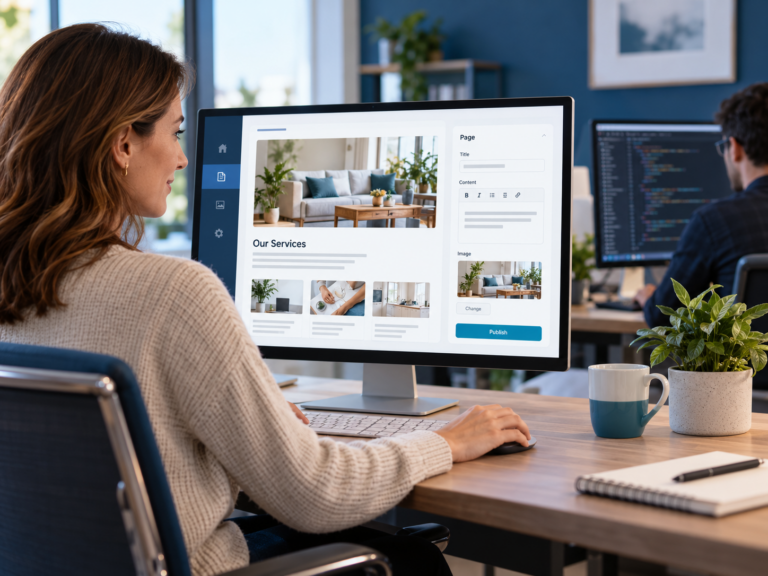
For the person managing day-to-day business content, a smaller and more focused interface can make more sense.
The business still owns the website.
WordPress can still run underneath it.
The developer can still access the technical tools when development work is needed.
But the person updating normal content does not need to work through all of that complexity.
Why we separated website content from the full backend in CPT Media’s Marketing Dashboard
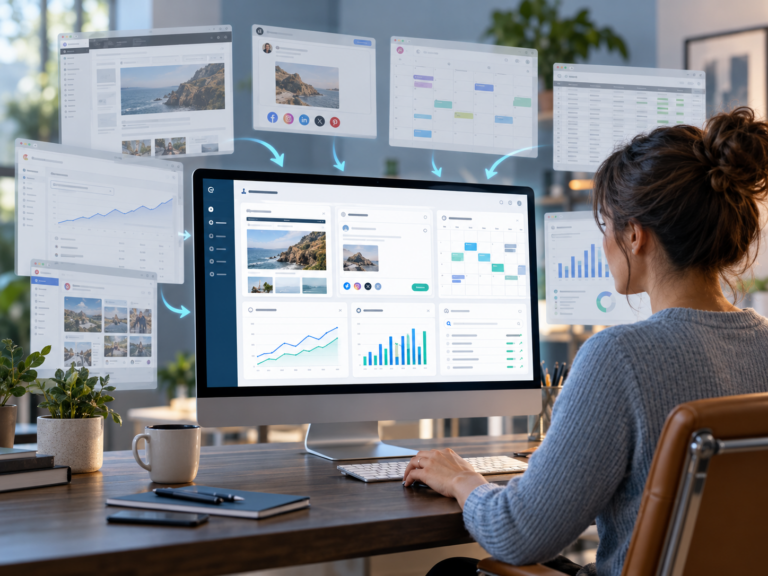
This is one of the problems that shaped the website module inside CPT Media’s Marketing Dashboard.
We did not build it because WordPress is incapable of managing content.
WordPress is the system doing the work underneath.
The Dashboard exists because the person updating the website does not necessarily need to see or understand that entire system.
Instead, the idea is to expose the parts of the website the business actually needs to work with.
That can include things such as:
- website copy
- selected page content
- service information
- staff information
- images
- articles
- other approved content areas
The developer continues managing the technical structure.
The business manages the business information.
That separation gives both sides what they actually need.
So should clients have full WordPress admin access?
The website owner should not be locked out of their own website.
There should always be a clear ownership and recovery path.
But that is different from saying every person who works on the website should use full Administrator access for their normal day-to-day work.
For most businesses, the better question is:
What does this person actually need to manage?
Then give them a working environment built around that responsibility.
The business keeps control.
The developer keeps control of the technical work.
And the person updating the website does not have to work through tools and settings that have nothing to do with the change they are trying to make.
That is the balance we are aiming for with the Dashboard.
You should stay in control of your website without needing to handle the technical side of every update.