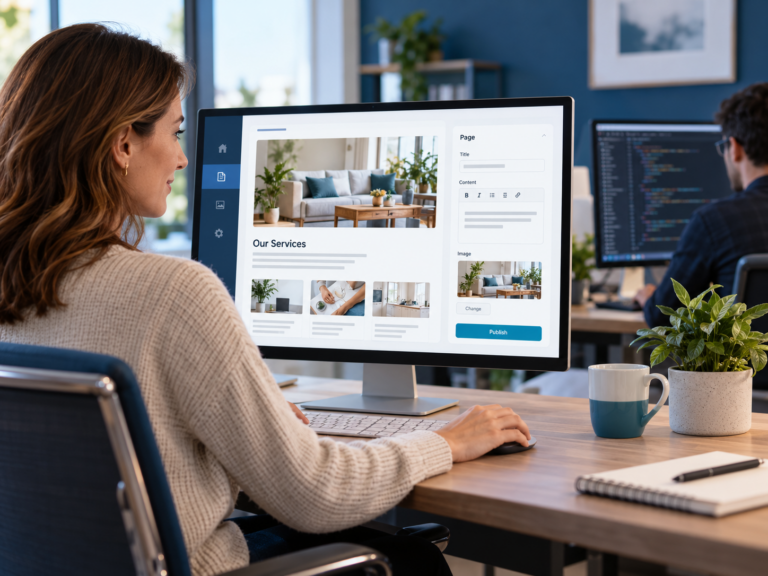
Keep content access separate from technical access
This is the part that makes the biggest difference.
The person updating a service description should not need access to the same controls used to install plugins or change how the website is built.
The person publishing an article should not need access to theme settings.
The person changing a staff image should not need access to integrations.
Those are different jobs.
WordPress itself supports this idea through roles and capabilities, which allow website owners to control what different users can and cannot do. WordPress also recommends giving users only the privileges needed for the work they are performing. WordPress developer documentation
The principle is useful, but the practical goal is even simpler:
Give people access to the work they need to do, and keep everything else out of the way.
Make the editable areas obvious
Safe access is not only about permissions.
The editing experience also needs to be clear.
If a marketing person logs in and has to work out which page builder section controls which part of the website, the setup may technically be restricted but it is still difficult to use.
Editable areas should be easy to recognise.
If the team manages services, those services should be easy to find.
If they publish articles, the article workflow should be clear.
If they update staff information, they should not need to search through unrelated pages to find it.
The easier the editing area is to understand, the less likely somebody is to change the wrong thing.
Do not make the marketing team responsible for layout
This is where content access often turns into website maintenance.
A marketing person may only want to replace an image or change a paragraph, but the editing tool also gives them control over spacing, columns, responsive settings and page structure.
Now a content change can accidentally become a design change.
That is unnecessary.
Where possible, the website should separate:
Content
from
Layout and functionality
The marketing team changes the information.
The website keeps the structure.
This gives the business more freedom without turning routine updates into redesign work.
Decide what should happen when something falls outside the approved areas
A safe content system also needs a clear boundary.
The team should know what they can update themselves and when something needs to go back to the developer.
For example:
Marketing can update the wording on an existing service page.
But if the business needs a completely new service layout, that may require development.
Marketing can replace an approved image.
But changing the way an image gallery works may require development.
Marketing can publish an article.
But changing the article template should remain technical work.
This stops the system from becoming confusing.
The business knows what it controls.
The developer knows what still falls under development.
Give each person only the access they actually need
Not everyone on the marketing team necessarily needs the same access.
Someone writing articles may only need content access.
A marketing manager may need access to several website sections.
An external freelancer may need access to one specific area for a limited period.
The safest approach is to avoid giving broad access simply because it is easier to set up.
Access should follow responsibility.
This is also useful when the team changes.
If someone leaves the business, their access can be removed without affecting everybody else.
If somebody takes on a new responsibility, their access can be expanded deliberately.
The website becomes easier to manage because access reflects the way the business actually works.
A safe workflow should also be simple enough that people use it
Security is important, but a system that is too difficult creates another problem.
People start avoiding it.
Website updates get sent back to the developer.
Content sits in documents waiting to be added.
Changes get delayed because nobody feels confident using the website.
That brings the business back to the same problem we covered in Why Marketing Teams Shouldn’t Need a Developer for Every Website Change.
The goal is not simply to create restrictions.
The goal is to create a working process where the marketing team can confidently handle routine content and the technical side remains protected.
This is exactly the kind of setup the CPT Media Marketing Dashboard is designed to support.
The website can still run on WordPress.
The developer can still use WordPress and the technical tools needed to build and maintain the site.
But the marketing team does not need to work through the full backend every time they need to change normal website content.
Instead, the Dashboard can present the approved content areas the business actually needs to manage.
That creates a clearer split:
The marketing team manages the content.
The developer manages the technical system.
For a business that wants its team to manage the website more directly, that is a much cleaner way to work.
Give your marketing team control without giving them the whole website
A marketing team should not have to choose between waiting for a developer and being responsible for the entire website backend.
There is a better middle ground.
Decide what the team needs to update.
Make those areas clear.
Protect the technical parts of the site.
Give each person the access required for their role.
And keep development work with the developer.
If your business is looking for a simpler way to let a marketing team manage website content, explore the CPT Media Marketing Dashboard.
It is built to give the business more control over everyday website work without handing every user the full technical backend.