3. How to create branded social media posts without starting from scratch
The simplest approach is to separate designing the system from using the system.
Those are two different jobs.
The first requires design decisions:
- Which fonts should be used?
- Where should the logo sit?
- Which colours belong together?
- How should photographs be treated?
- How large should headings be?
- How much text can comfortably fit?
- Which layouts work for different types of content?
Once those decisions have been made properly, the day-to-day task becomes much simpler.
You are no longer redesigning the post.
You are changing the content inside an approved design.
For example, a business could have separate reusable templates for:
- a service highlight,
- a promotion,
- a testimonial,
- an educational tip,
- an announcement,
- a product feature,
- or a simple branded photograph.
The words and images can change while the visual framework remains familiar.
That is a much more scalable way to create branded social media posts than repeatedly opening a blank canvas and trying to remember what you did last time.
4. Why templates work better than a blank canvas for routine content
A blank canvas gives you complete freedom.
That sounds useful until you have to make content regularly.
Complete freedom means making the same decisions repeatedly.
Where should the title go?
How big should the logo be?
Which font did we use?
Which shade of blue was correct?
How much spacing did the previous post have?
For a professional designer, those decisions are part of the work.
For a business owner trying to publish a promotion before getting back to customers, they are friction.
A good template deliberately removes some of that freedom.
It establishes the parts that should not need to change so that you can focus on the parts that do.
This is an important distinction.
A template should not trap every post into looking identical.
It should protect the brand decisions that need consistency while leaving enough flexibility for different messages and imagery.
5. What tool can help a small business create branded content itself?
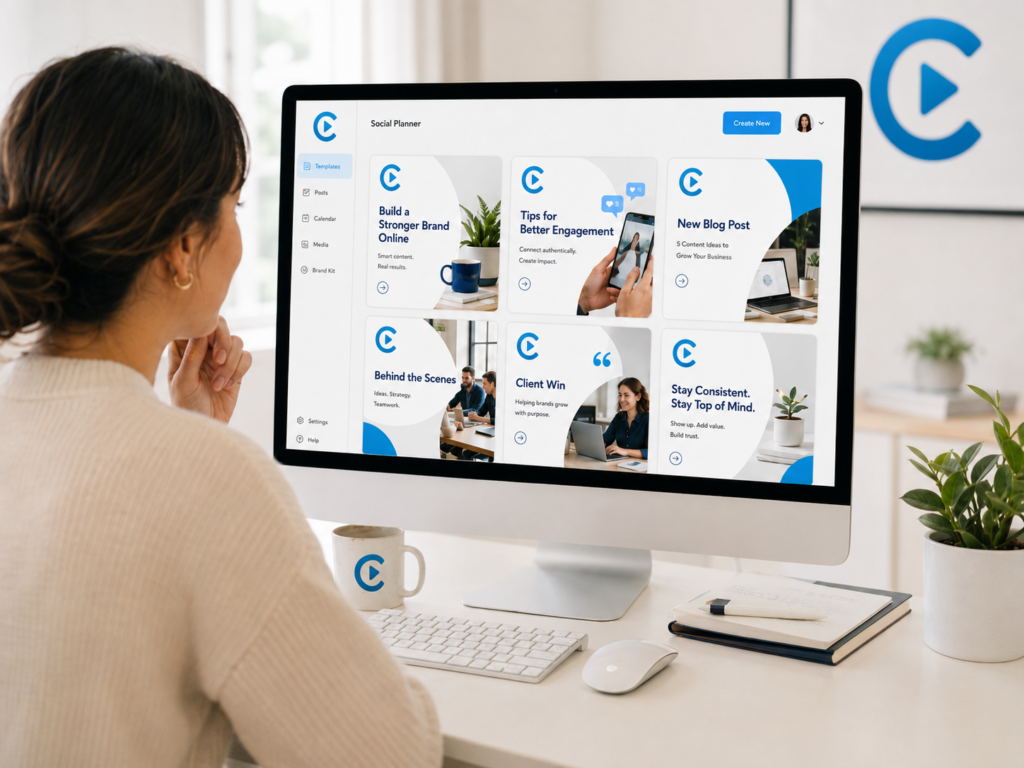
This is the problem the Design Studio inside the CPT Media Dashboard is designed to solve.
CPT Media creates branded templates for the business during setup instead of expecting the business owner to become a graphic designer.
Those templates become the starting point.
When the business needs new content, the approved design can be reused with different text and imagery instead of rebuilding the visual structure from the beginning.
The principle is simple:
the design work happens upfront; the routine content changes happen afterwards.
The CPT Media Design Studio currently supports custom canvas templates created during onboarding, branded content creation and exporting finished graphics for use outside the Dashboard.
This means a small business can create social posts, flyers and other routine graphics while maintaining the visual rules established for its brand.
The Design Studio is one part of the wider CPT Media system.
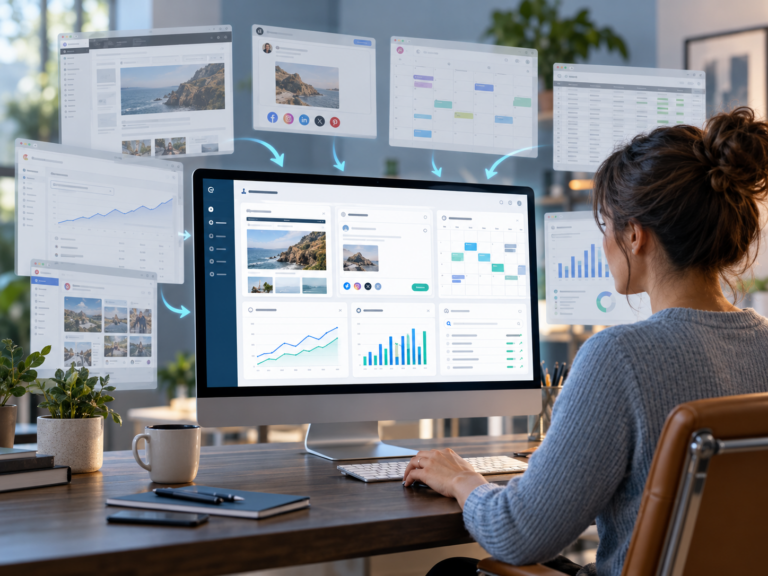
The marketing dashboard for small businesses brings together four connected areas:
- Design Studio for creating branded graphics,
- Website Content (CMS) for managing website updates,
- Content Calendar for planning what goes out and when,
- and Plain-English Analytics for understanding website and content performance.
CPT Media describes the Dashboard around that same connected model: website management, branded content, planning and analytics brought into one platform.
The purpose is not to give a business more software simply for the sake of having more software.
It is to reduce the number of disconnected processes involved in everyday marketing.
6. What the Design Studio does — and what it does not do
It is important to distinguish between a reusable design system and professional design work.
The Design Studio is not based on the idea that businesses will never need a designer again.
There are still situations where custom design makes sense.
A new brand identity, major advertising campaign, completely new creative direction or complex bespoke artwork may require proper design work.
Routine content is different.
You should not necessarily need to commission an entirely new design every time you want to change:
- a headline,
- an offer,
- a photograph,
- a service,
- a date,
- or a simple marketing message.
That is where reusable branded templates become valuable.
The objective is to stop paying for the same design decisions repeatedly.
Your visual system is established first.
Then the business works inside that system.
7. A practical example
Imagine a small service business wants to publish four pieces of content this month.
Post 1: Educational tip
The template already establishes the colours, typography and logo position.
The business changes the headline, supporting copy and relevant image.
Post 2: Customer testimonial
A different approved layout is selected.
The testimonial and customer details change, but the visual identity remains connected to Post 1.
Post 3: Service promotion
The offer, photograph and call to action change.
The business does not need to decide which font, colour palette or general layout should suddenly represent the brand.
Post 4: Announcement
The message is different again, but someone scrolling through the business’s social feed can still recognise that all four pieces belong together.
That is the real advantage.
You are not trying to make every graphic identical.
You are making different graphics recognisably yours.
8. How this fits into a bigger marketing workflow
Creating the graphic solves only one part of the marketing problem.
This is where disconnected tools often become frustrating.
You might create a graphic in one platform.
Your website lives somewhere else.
Content ideas sit in a spreadsheet.
Your calendar exists in another tool.
Analytics lives inside Google Analytics.
And suddenly “doing your own marketing” means managing several systems that do not work as one workflow.
The CPT Media Dashboard is built around a simpler cycle:
Create → Update → Plan → Measure → Improve
The Design Studio handles the Create part.
But once the content has been created, another question appears:
What happens when the information on your website needs to change too?
Suppose you create a graphic promoting a new service.
The social post is ready.
But the service information on your website is outdated.
If changing a sentence, image, price or service detail means emailing a developer and waiting for the change to be made, your marketing workflow is still interrupted.
That is why the Design Studio is only the first part of the system.
9. Can you create branded social media posts without becoming a designer?
Yes — provided the important design decisions have already been made for you.
That is the distinction.
A reusable template system is not trying to teach every business owner graphic design.
It is trying to prevent them from having to make professional design decisions every time they need routine content.
The business should still know:
- what it wants to say,
- who the message is for,
- which offer or idea matters,
- and which image best supports that message.
The template then keeps the visual presentation inside an established system.
This is particularly useful for small businesses where the person creating content may also be answering customers, managing operations, updating the website and handling everything else that needs attention that day.
10. Creating content is only the first part of the system
Being able to create branded social media posts yourself removes one common marketing bottleneck.
It does not remove all of them.
The next bottleneck often appears when your social content and website need to say the same thing.
A promotion changes.
A service gets updated.
A new product needs to be added.
A photograph needs replacing.
A price changes.
The graphic may take a few minutes to update, but the website change still gets sent to somebody else.
That disconnect leads directly into the next part of the CPT Media Dashboard.
The Website Content (CMS) is designed to let businesses update approved website content through the Dashboard without needing to work through the full website-building process for routine changes. CPT Media currently describes this as editing website pages directly from the Dashboard, with the amount of page and store access depending on the plan.
That is the next part of the cycle:
You can create the content. Now you need to be able to update where that content lives.
Next in this series:
How to Update Your Website Without a Developer