This is what the Dashboard changes
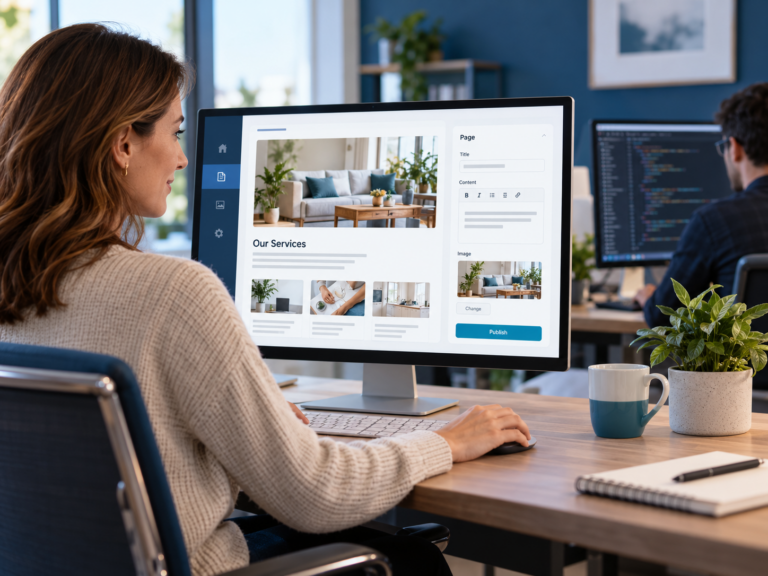
Instead of asking the user to navigate the full WordPress backend, the CPT Media Dashboard can give them access to the website areas they actually manage.
So rather than thinking:
Pages → page builder → container → widget → text field
the user can work with something much closer to:
Services → Service Name → Description
or:
Team → Staff Member → Biography
The technical structure still exists underneath.
The developer can still work with it when necessary.
The business simply does not need to see all of it.
That makes the job much easier to understand.
The content should be easier to find than the system behind it
If someone manages services, the services should be easy to find.
If they manage staff information, the staff section should be obvious.
If they publish articles, the article workflow should make sense.
They should not need to remember where that content happens to live inside WordPress.
This is a small change in how the system is presented, but it makes a big difference to the person using it.
Instead of learning the website, they can focus on maintaining the information.
That is exactly what a business content system should allow them to do.
Your team should not need to manage the layout
This is another area where normal content work can become unnecessarily complicated.
Someone wants to change a heading.
But the editor also gives them control over spacing.
They want to replace an image.
But they can also change the width of the container.
They want to update some copy.
But they are now working inside the full page structure.
Now the person is not only responsible for the content.
They are also responsible for keeping the design intact.
That should not be necessary.
A better setup separates the two.
The business manages the content.
The developer manages the structure.
The Dashboard can expose the editable information while the website itself keeps the layout that was already designed.
That gives the business control without turning every update into a design task.
It also makes website management easier to hand over
A complicated website often creates another dependency.
One person learns how the backend works.
They remember where everything lives.
They know which buttons not to press.
Then they leave.
Now someone else has to learn the entire process again.
A simpler content interface reduces that problem.
The new person does not need to understand how the website was built.
They need to understand the business information they are responsible for.
Changing a service should look like changing a service.
Updating staff information should look like updating staff information.
Publishing an article should look like publishing an article.
The interface should match the task.
WordPress still does the work underneath
The point here is not that WordPress is the wrong system.
We use WordPress because it gives us the flexibility to build and manage powerful websites.
The difference is who needs to interact with that flexibility.
The developer may need the full WordPress backend.
The business usually does not.
The business needs a simpler way to manage the information that changes regularly.
That is why the Dashboard sits between the business user and the underlying website.
WordPress continues doing what it does well.
The Dashboard makes the parts the business actually needs easier to use.
One dashboard can also connect website management to the rest of your marketing
This is where the idea goes beyond simply creating an easier website editor.
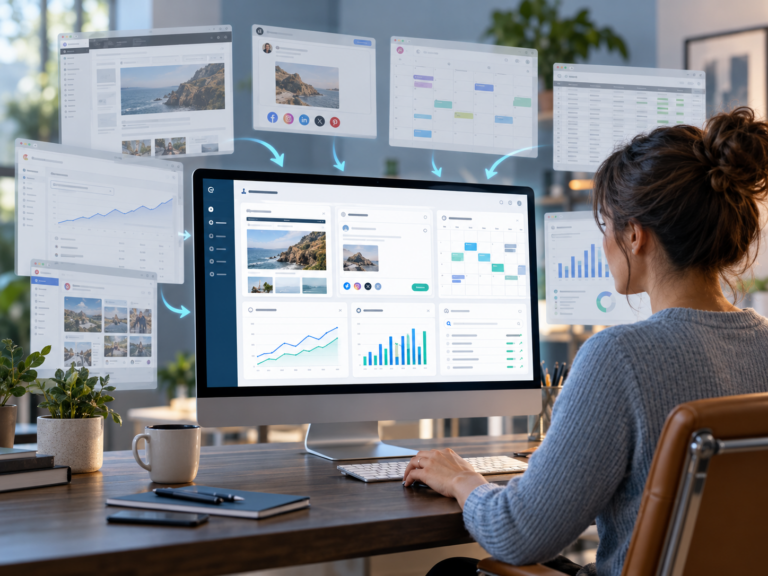
Website content is only one part of the CPT Media Marketing Dashboard.
The same system is built to bring together:
- website content management
- social media content creation
- content planning
- Facebook and Instagram scheduling
- Google Analytics data
- Meta performance data
- search queries
- search visibility
- average ranking information
That matters because website management does not happen in isolation.
The article you publish affects SEO.
The service page you update may be receiving traffic from Google.
The campaign you are running on social media may be sending people to that page.
The analytics tell you what happens after they arrive.
Instead of treating those as completely separate systems, the Dashboard brings the useful parts closer together.
That is the bigger idea behind it.
You should not have to become a WordPress user just because your website uses WordPress
Your website can use WordPress without your entire team needing to work like WordPress users.
The developer can manage the technical system.
The business can manage the business information.
And the Dashboard can sit between the two.
That means your team can keep the website current without learning how the entire website was built first.
If that sounds closer to how you want your business to manage its website, see how the CPT Media Marketing Dashboard works.